ZHIQIAN
DC5V Smart APP USB 10M 100 LED String Light+WiFi Controller+24Keys IR Remote Control for Holiday Par
DC5V Smart APP USB 10M 100 LED String Light+WiFi Controller+24Keys IR Remote Control for Holiday Par
Regular price
$670.00 USD
Regular price
$1,116.67 USD
Sale price
$670.00 USD
Unit price
per
Couldn't load pickup availability
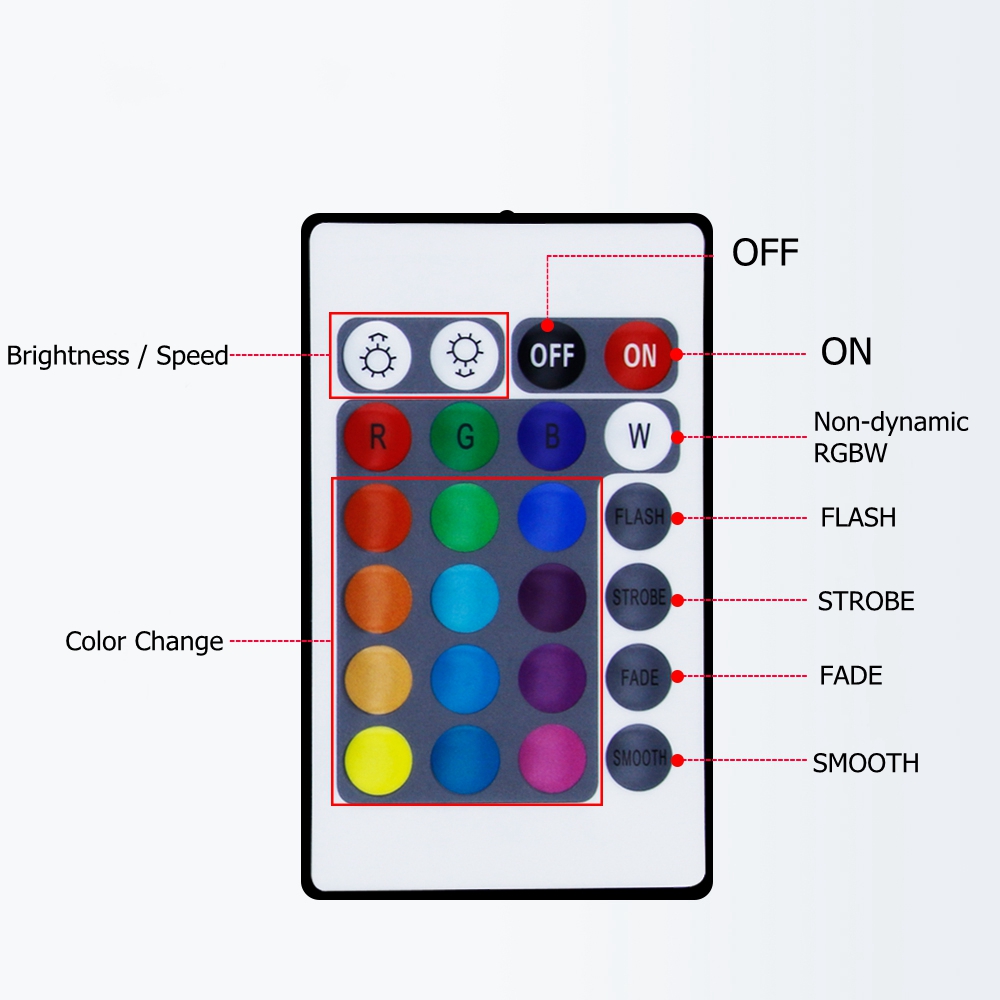
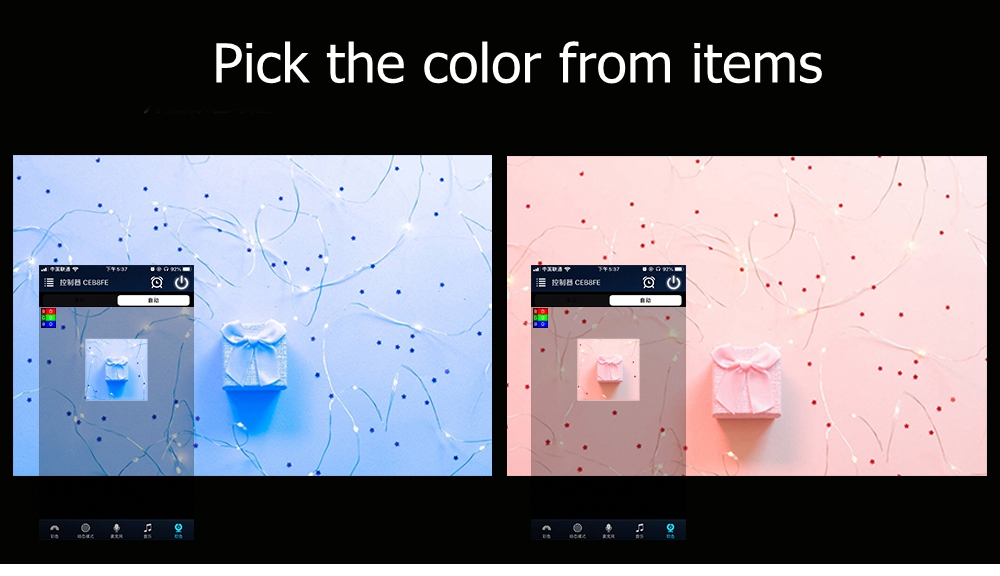
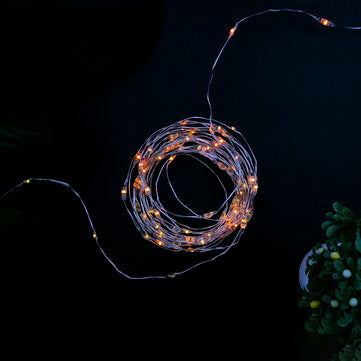
Specification: Input voltage: DC5V Power supply: USB LED quantity: 100leds Light color: RGB Length: 10M ? Functions: 16 Million Colors Smartphone Control Custom mode Timer Mode Light Dancing with Music Save Favourite Colors Remote control by Intenet Pick the color from items ? WIFI Connection Setting: 1.Search for WiFi controller LEDnet****** in your phone's WiFi network and connect it. 2.Opena??Magichome WiFia??app and wait while your phone scans for this WiFi controller. 3.You have three ways to control your WiFi controller: a.Single mode: Click? Jump,set it next time , then go to control it directly. In single mode,you only can control one controller once time. In addition,your phone's WiFi controller must keep connection with WiFi controller a??LEDnet******a??in the meantime. b.Network mode: Click a??Settinga??, then set your controllers to WiFi router one by one. After controllers were connected to WiFi router, connect your phone to this WiFi router. Then, open a??Magichome WiFia?? app, and wait while your phone scans for WiFi controllers which were connected to this WiFi router. Now,app will show all controllers in Device List. In Device List, you can select controller you want to control. How many controllers app can sycn control is same as how many devices your WiFi router can support. In network mode, you can control all controllers which were connected to WiFi router no matter your WiFi router is online or not. c.Remote control by Internet: To control your WiFi controllers anywhere in this world. In network mode,you just need to keep your WiFi router online. Click the gear icon on the top-left corner to enter the setting page. Choose your WiFi controller and select Remote Settings in the menu. Check the remote state option to change it from unopen. Once WiFi controller restarts, you can find it in the Remote tab in the Device List page. ? Package included: 1*10M LED String Light 1*WiFi LED Controller 1*24Keys IR Remote Control